

Subscription management
You can manage your subscription details by clicking on “Settings” in the application sidebar, then “Billing”.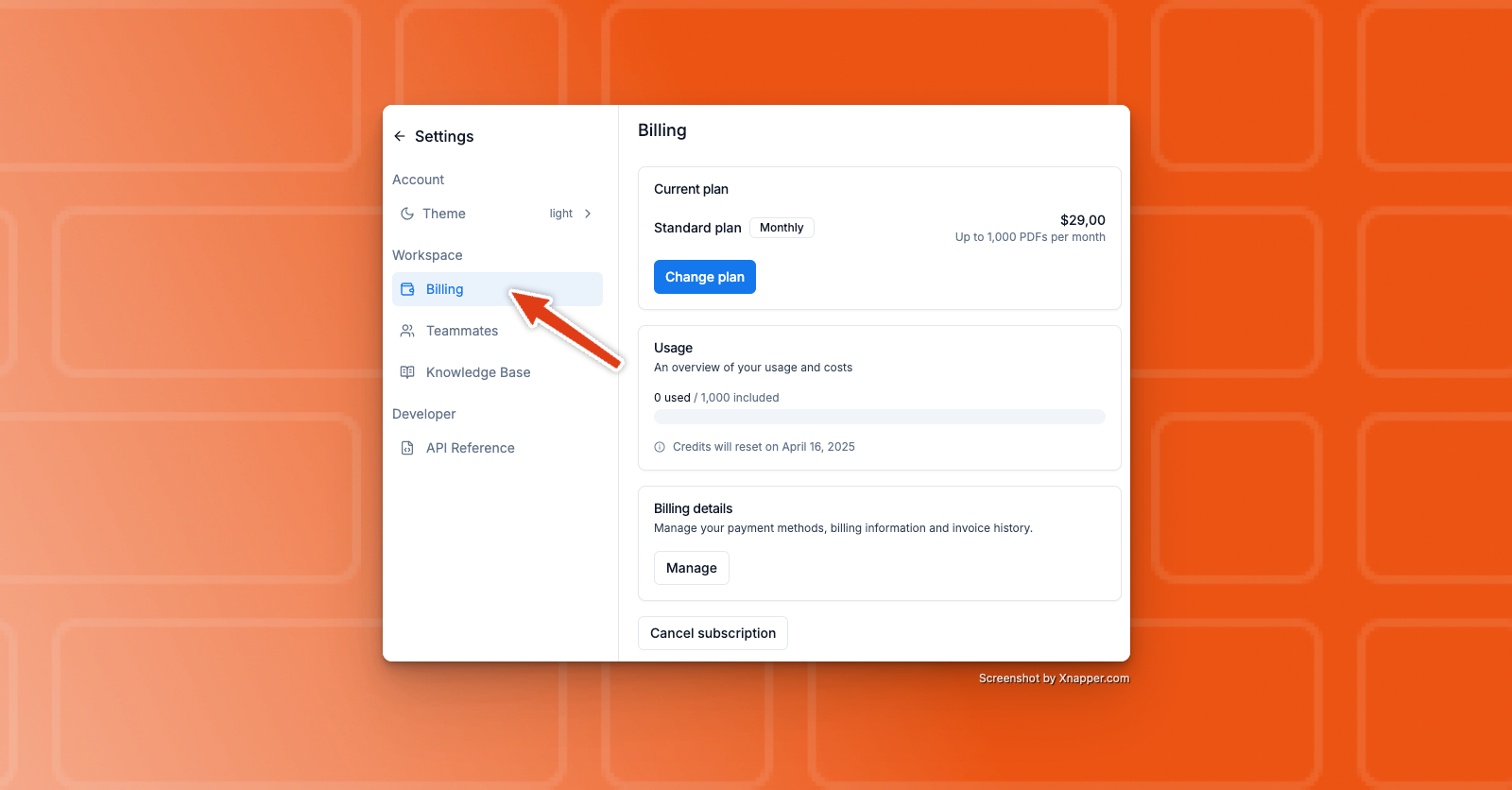 When you click it, you’ll be redirected to Stripe, where you’ll be able to manage:
- See current subscription
- Cancel your subscription
- Update payment methods
- Update billing information
- See invoice history
If you forgot to cancel your subscription before your trial ended—or if
you were charged for the following month—you can request a refund by
contacting us at [email protected].