

Loop
The Loop component lets you easily repeat a layout based on dynamic data. When creating a Loop, first give it a title. This title becomes a variable that expects an array of objects in the payload. The Loop repeats your layout according to the number of items in this array.
Example:
If your layout is: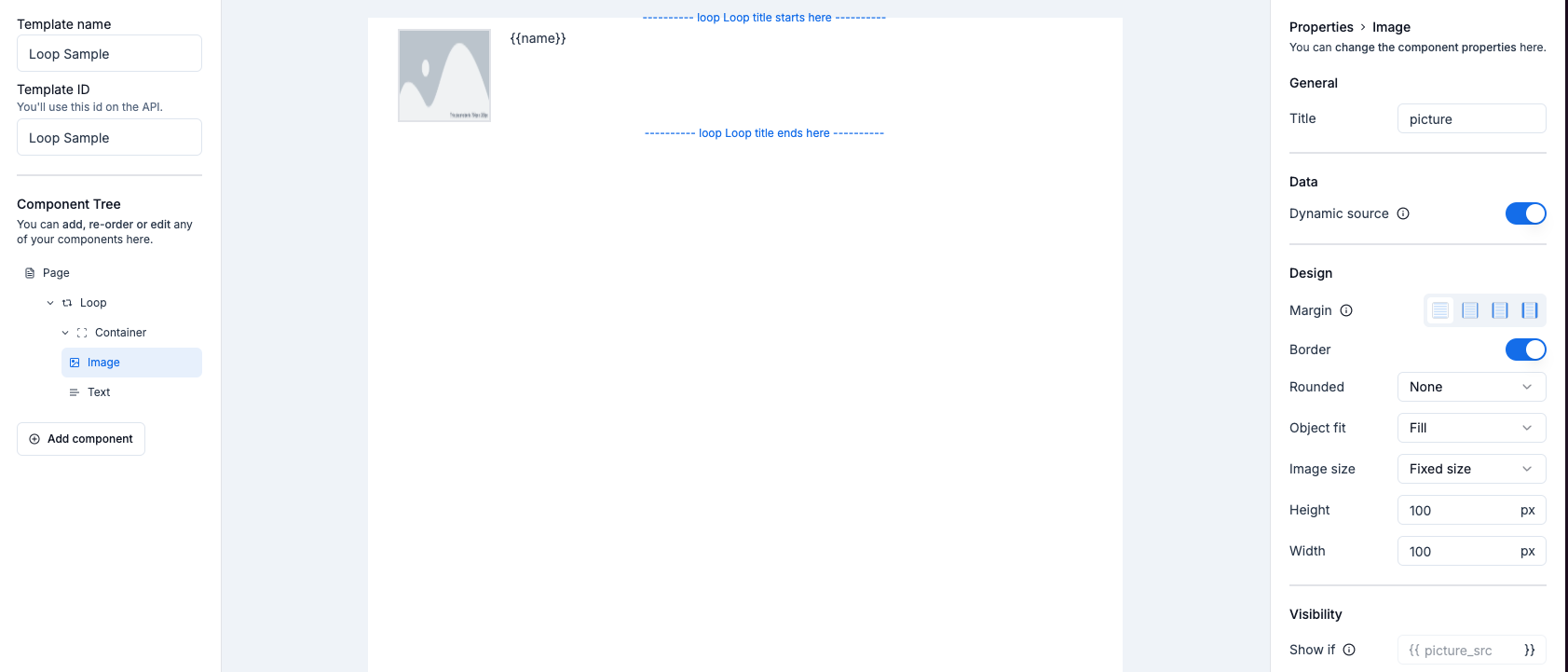 Your payload should look like this:

Stacking loops
You can also create nested loops by stacking them. This allows for more complex data structures.Example of a nested layout:
 Expected payload for nested loops:
