

Overview
After successfully logging into pdf noodle, navigating the platform is straightforward. Here’s an overview of the main sections:Dashboard
 This is your home page, where you can:
• Monitor your product usage.
• View your API key.
• Check the last 5 PDFs/images you generated.
This is your home page, where you can:
• Monitor your product usage.
• View your API key.
• Check the last 5 PDFs/images you generated.
Templates
 This section lists all your available templates.
Every user on your team has permission to view, edit, duplicate,
or delete any template at any time.
 You can see all the variables for a template or how to implement it by clicking on it.
Logs
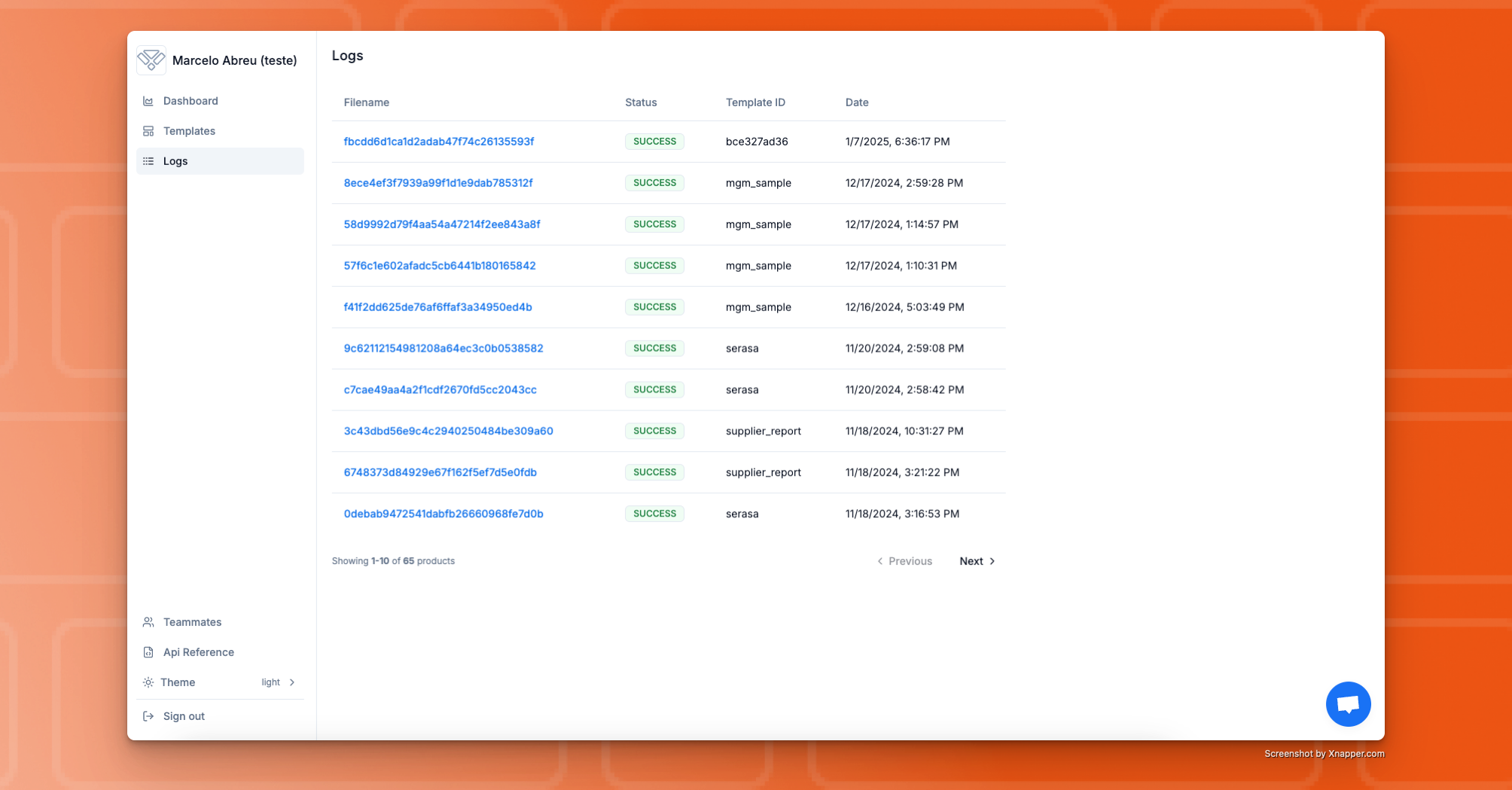 In the Logs section, you’ll find a record of all the renders you made using pdf noodle.
To view a generated PDF, simply click on its filename.
The log files are retained for 90 days. After that period, you will no longer be able to access them within pdf noodle, so we recommend saving them directly to your own bucket.
In the Logs section, you’ll find a record of all the renders you made using pdf noodle.
To view a generated PDF, simply click on its filename.
The log files are retained for 90 days. After that period, you will no longer be able to access them within pdf noodle, so we recommend saving them directly to your own bucket.
Teammates
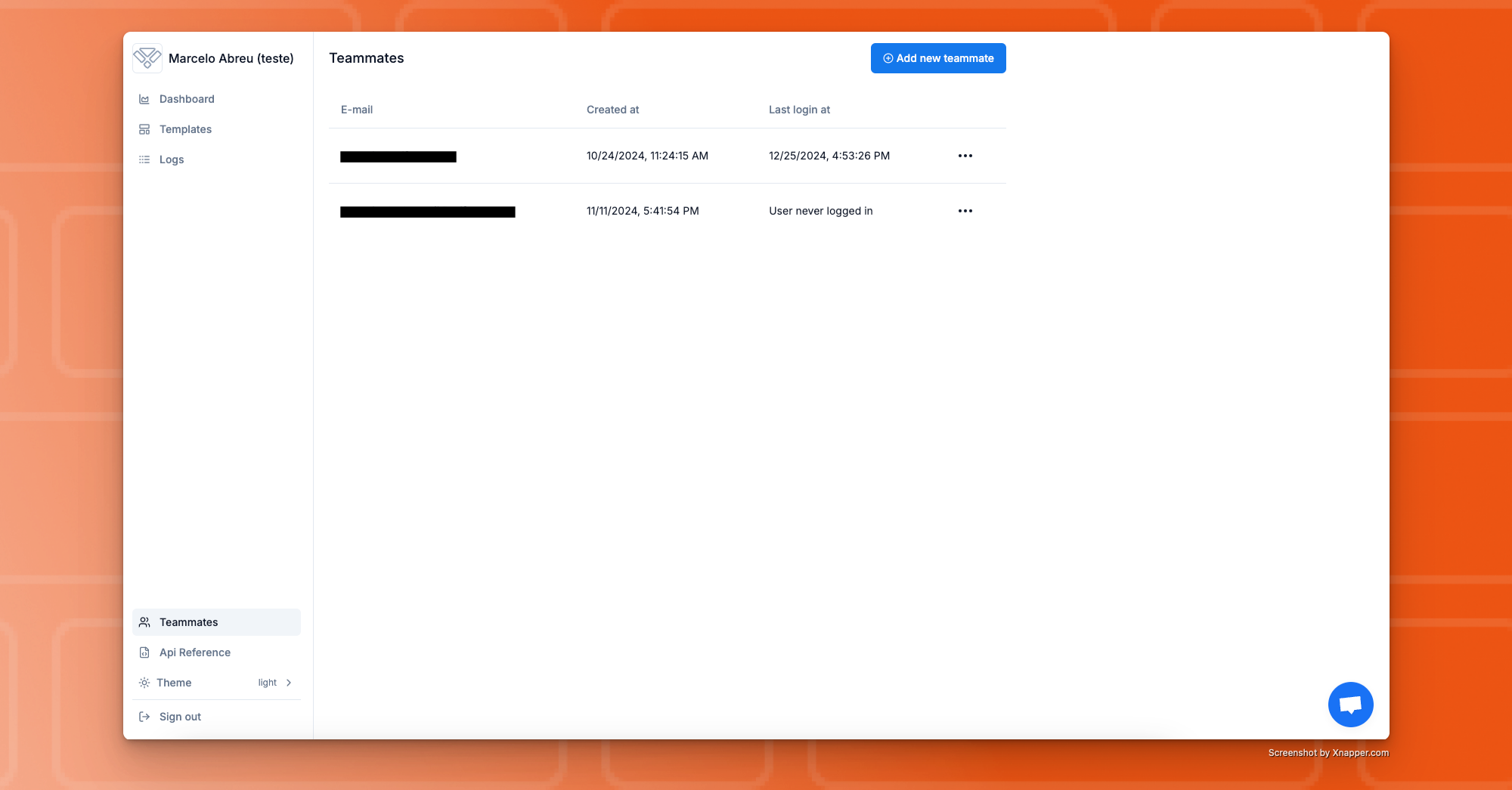 Here, you can manage your team members.
Every user on your team has permission to invite or delete other users
at any time.
F.A.Q.
When does the usage period start?
When does the usage period start?
The usage period starts when the first payment for pdforge was made, after the 7-day trial period ends.
For how long do you retain the generated pdf file?
For how long do you retain the generated pdf file?
You can access the generated pdf file for up to 30 days. After that, we only maintain the reference of the file, but it’s no longer accessible.
Can i have different permissions as a user?
Can i have different permissions as a user?
Not currently. Every user have the same permission and can do anything inside the application.
How can I get support?
How can I get support?
If you didn’t find what you were looking for in the knowledge base, feel free to contact us at [email protected]. We’ll get back to you as quickly as possible!
When can I get my API Key?
When can I get my API Key?
You’ll have access to your API Key once you start your 7-day free trial, after the onboarding flow.