> ## Documentation Index
> Fetch the complete documentation index at: https://docs.pdfnoodle.com/llms.txt
> Use this file to discover all available pages before exploring further.
# Teammates management
We believe that **managing PDF or image generation** within your company shouldn’t be the sole responsibility of the development team—it should be a **collaborative effort** that everyone can participate in, that why **you don't have a limit of users you can invite to pdf noodle**.
### How does teammate management work?
You can manage your teammates using the Settings sidebar menu.
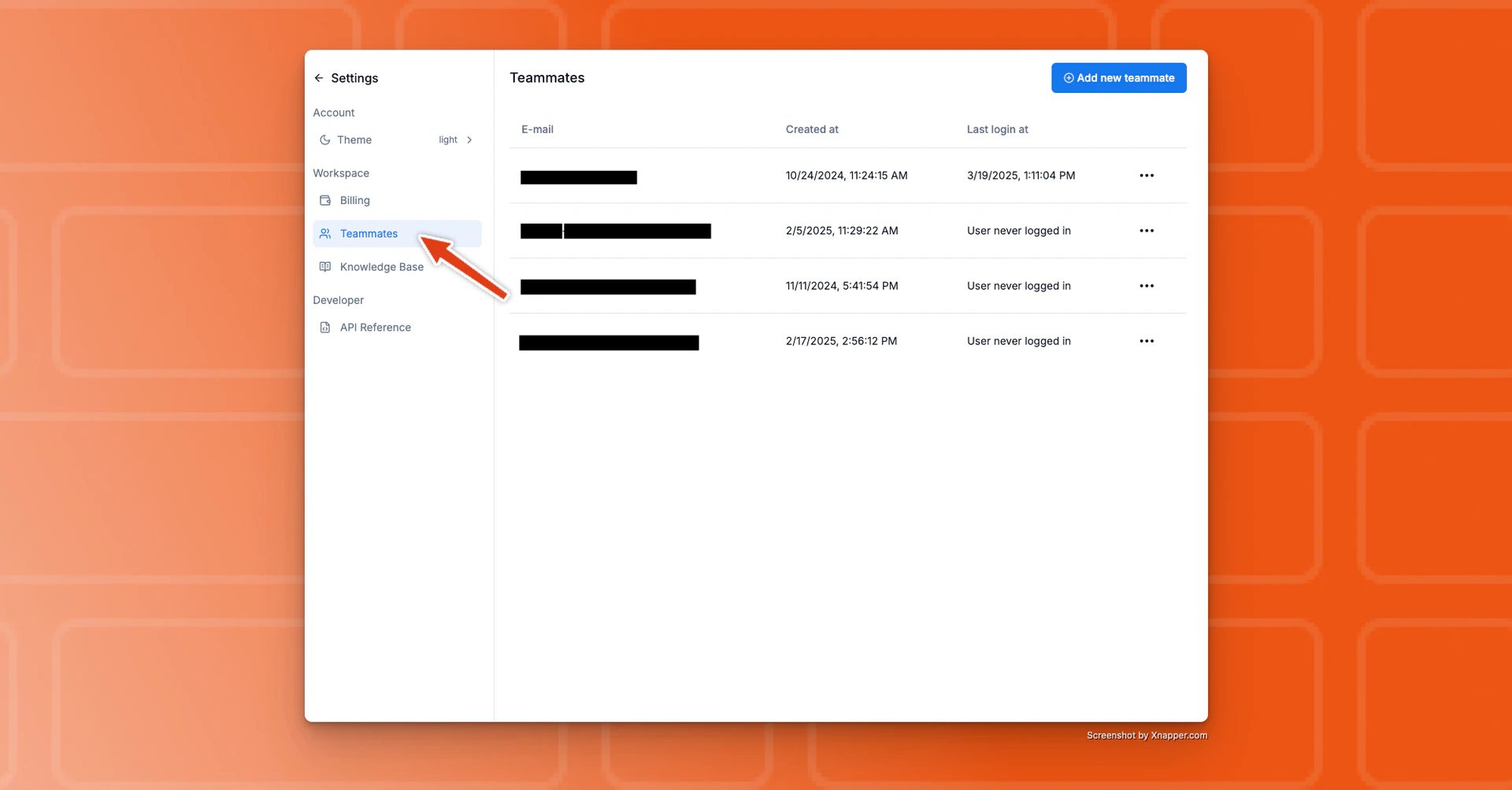 Every user on your team has permission to **invite** or **delete** other users
at any time.
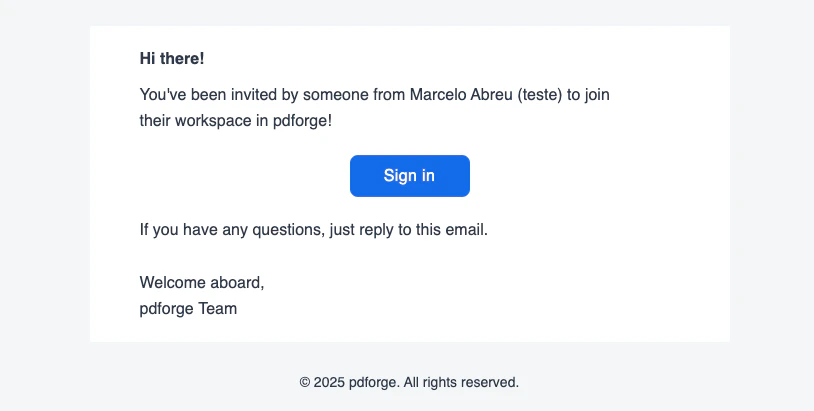
When you invite a user, they will receive an email from pdf noodle with instructions to complete their first login.
Every user on your team has permission to **invite** or **delete** other users
at any time.
When you invite a user, they will receive an email from pdf noodle with instructions to complete their first login.
 For additional details on our authentication methods, check out the [**User
Authentication
page**](https://docs.pdforge.com/knowledge-base/platform/user-authentication).
### Frequently Asked Questions (F.A.Q.)
No. Deleting a user does not affect any templates or other information in pdforge.
Currently, pdforge does not automatically add users with the same domain to your workspace. The new user will create an account, but they won’t be automatically linked to your workspace.
Once a user is linked to a workspace, it cannot be changed directly through the interface. If you need to modify a user’s workspace, please email us at [support@pdforge.com](mailto:support@pdforge.com) so we can help you out.
For additional details on our authentication methods, check out the [**User
Authentication
page**](https://docs.pdforge.com/knowledge-base/platform/user-authentication).
### Frequently Asked Questions (F.A.Q.)
No. Deleting a user does not affect any templates or other information in pdforge.
Currently, pdforge does not automatically add users with the same domain to your workspace. The new user will create an account, but they won’t be automatically linked to your workspace.
Once a user is linked to a workspace, it cannot be changed directly through the interface. If you need to modify a user’s workspace, please email us at [support@pdforge.com](mailto:support@pdforge.com) so we can help you out.